
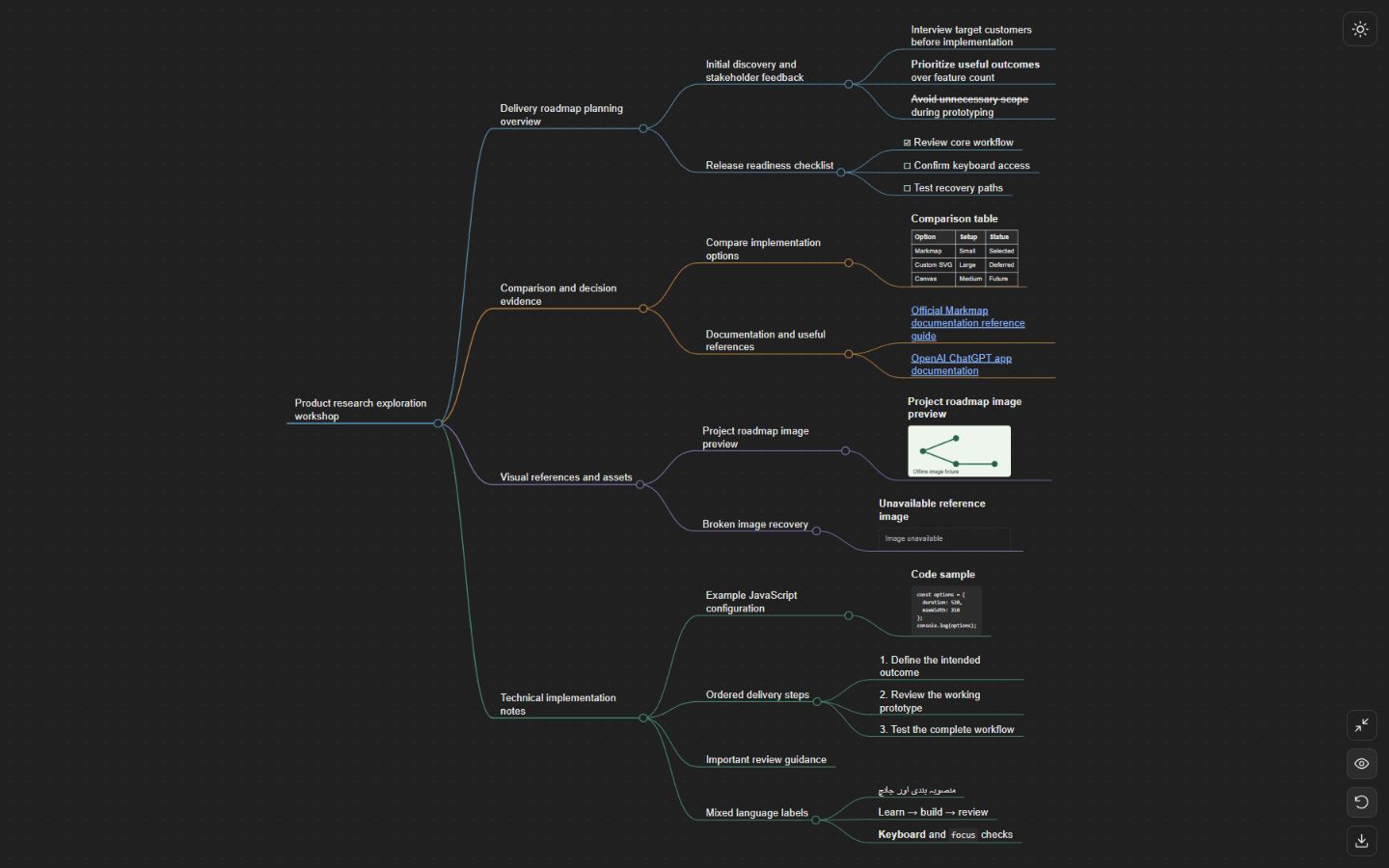
Expand and collapse
Fold individual branches, or expand and collapse the entire map with one control. Branch changes animate smoothly.
Turn your notes into a mind map inside ChatGPT.
Explore one branch. See the whole picture.
Free to use · No separate account · Powered by Markmap
Start with a thought.A topic, some notes, or a question.
Give it some branches.Ask ChatGPT to turn it into a mind map.
Follow your curiosity.Expand, focus, and make connections.
Less scrolling through ideas. More seeing how they fit.
Made for ChatGPTThe controls, content, and export options
supported by the current app.
Fold individual branches, or expand and collapse the entire map with one control. Branch changes animate smoothly.
Expansion fits a branch and its parent. Collapse shows the parent and its visible branches. Turn focus off to keep the view still.
The selected branch is bold, with a glow along its path from the root. Text stays free of background highlights.
Drag to pan and scroll to zoom. Reset fits the whole map without changing which branches are folded.
Switch the map’s theme using its own canvas control. Both themes keep the colored branch lines.
Display nested headings and lists, links, tables, raster images, and fenced code blocks inside the map.
Long branch names wrap instead of being cut to three words. The map keeps the supplied Markdown source.
One export control requests two separate files: the map as SVG and the original Markdown, with readable map-title filenames.
Exports depend on native file support in your ChatGPT host. The app does not provide its own saved-map library or promise permanent file storage.
Focus follows the branch you interact with. When you fold it away, the view opens back to its parent and the branches around it.
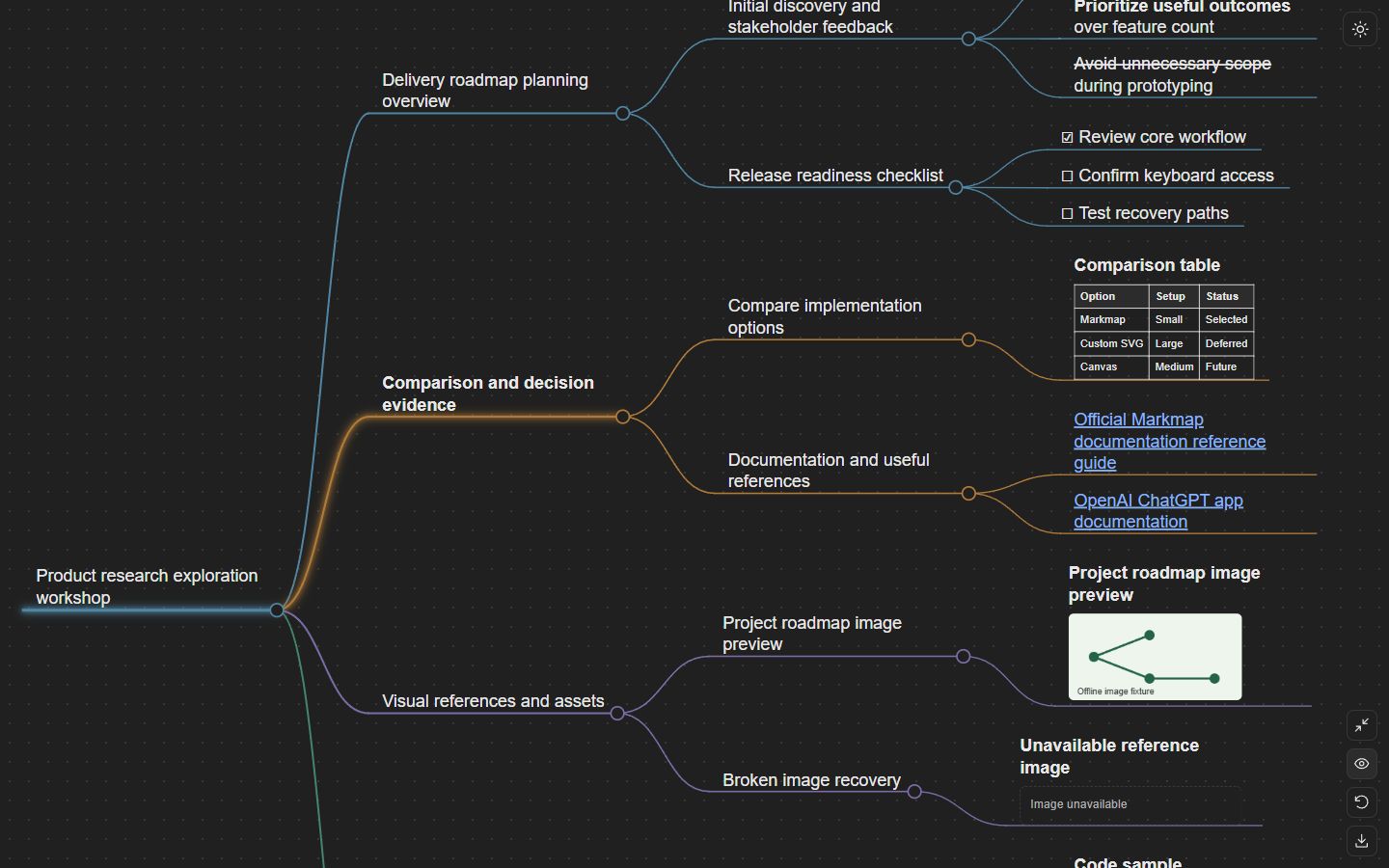
See the app expand, focus, reset, and switch themes in this short demonstration.
22-second app walkthroughHave a question, spotted a problem, or have an idea for the app? Leave a message.
Ask ChatGPT to add, remove, or reorganize ideas, then show the updated map.
Yes. The app is free, with no purchases or separate Simple Mind Map account.
Separate original Markdown and SVG files, where the ChatGPT host supports native file exports. Long-term file availability is controlled by ChatGPT.
Questions and feedback are always welcome.
Your email address, subject, and message are processed by Vercel and Brevo to deliver your support request to our Gmail inbox. You can also email support directly.